
iPhone Security Beyond the Walled Garden
iPhones have a well-earned reputation for being secure. Apple’s “walled garden” approach, strict app review process, and robust encryption offer a significant layer of protection that many other platforms simply don’t. But “secure” doesn’t mean “impenetrable.” In today’s threat landscape, even the mighty iPhone is a target, and personal responsibility remains your strongest defense.
So, what are the common cyber security risks facing your iPhone, and more broadly, your mobile devices? And more importantly, how can you protect yourself?
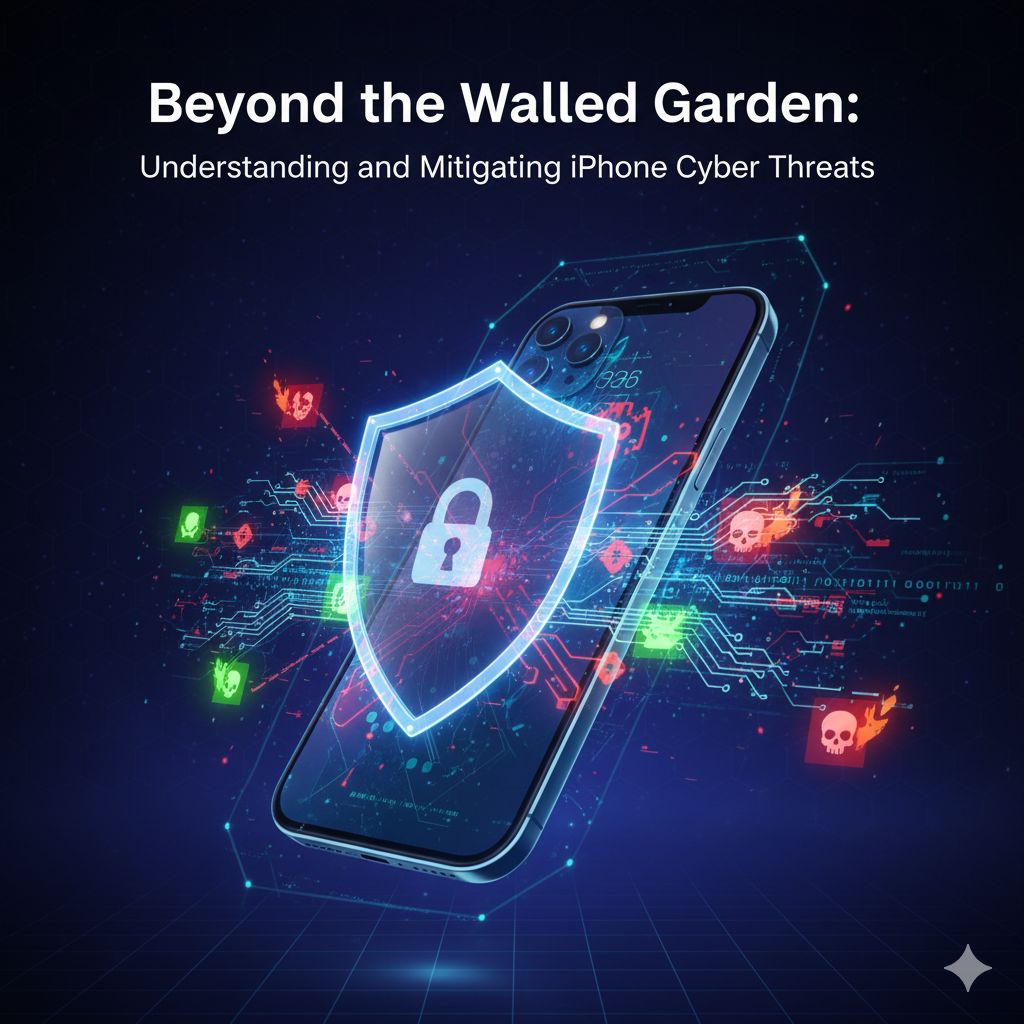
Common iPhone Cyber Threats (and Why They Matter)
- Phishing and Social Engineering: This remains the number one threat across all platforms. Criminals send convincing texts (smishing), emails, or social media messages disguised as legitimate entities (banks, Apple, shipping companies). Their goal? To trick you into giving up your Apple ID, banking credentials, or other sensitive information.
- Why it matters: Even if your iPhone itself is secure, if you hand over your password, the “walls” come down.
- Malicious Apps (Disguised or Sideloaded): While Apple’s App Store is rigorously vetted, sophisticated malware can occasionally slip through. More commonly, users might be tricked into installing configuration profiles or apps from untrusted sources (though this is harder on iPhones without jailbreaking).
- Why it matters: A malicious app can steal data, track your location, or compromise other aspects of your device.
- Unsecured Public Wi-Fi: Connecting to free Wi-Fi at a coffee shop or airport without a VPN is like having a private conversation in a crowded room. Attackers can potentially “eavesdrop” on your data, capture login credentials, or even inject malware (though rarer with HTTPS).
- Why it matters: Your data is exposed to anyone on the same network with malicious intent.
- Physical Theft & Loss: This isn’t just about losing your device; it’s about the treasure trove of personal and business data it contains. Without proper lock screen security, a lost phone is an open book.
- Why it matters: Direct access to your device can lead to identity theft, financial fraud, and data breaches.
- Outdated Software: Apple consistently releases security patches. If you don’t update your iOS, you leave known vulnerabilities unaddressed, creating open doors for attackers.
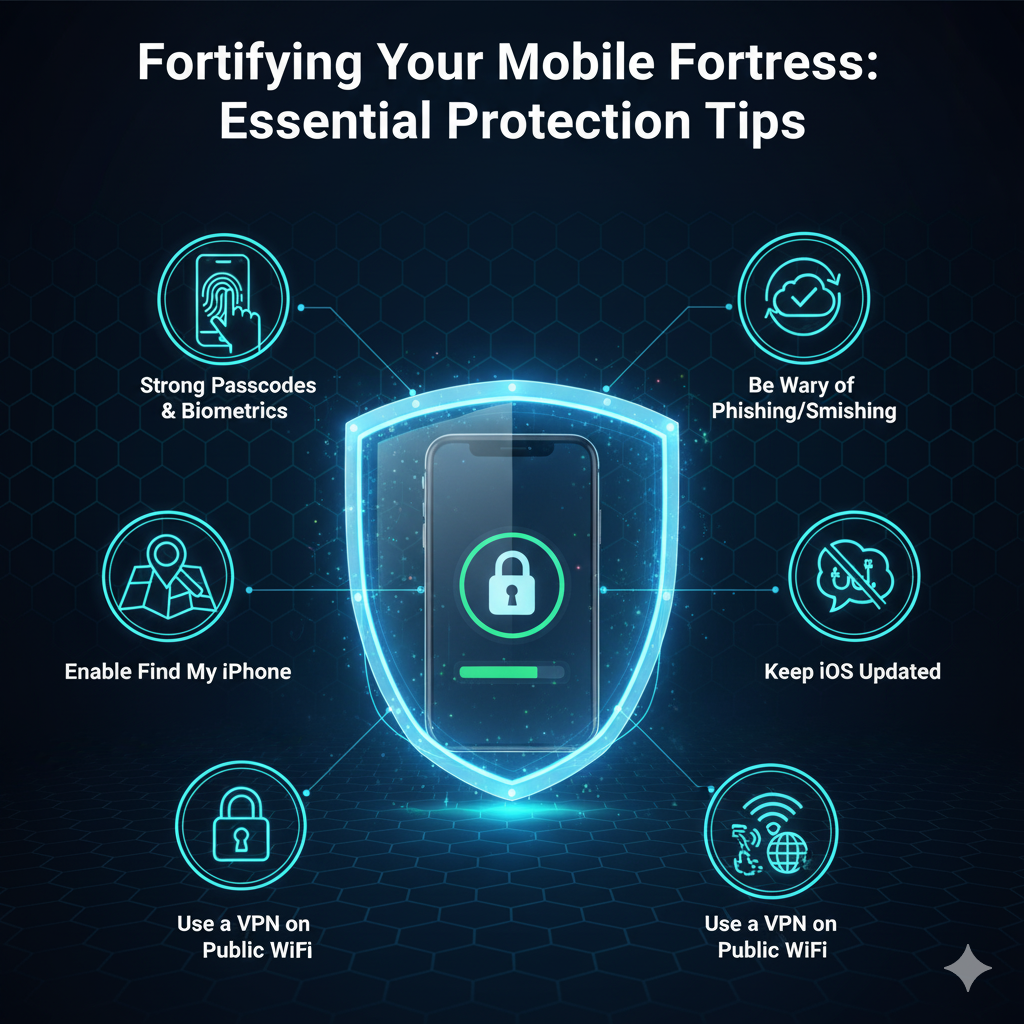
Fortifying Your Mobile Fortress: Essential Protection Tips
Protecting your iPhone and other mobile devices is an ongoing process, not a one-time task. Here’s how to build a stronger defense:
- Strong Passcodes & Biometrics:
- Action: Use a complex alphanumeric passcode (6 digits minimum). Enable Face ID or Touch ID, as they offer convenient and strong security.
- Why: This is your primary lock. A strong passcode prevents unauthorized access if your phone is lost or stolen.
- Enable Find My iPhone:
- Action: Ensure “Find My” is active. This allows you to locate, remotely lock, or erase your device if it goes missing.
- Why: Crucial for recovery and preventing data compromise in case of theft.
- Keep iOS Updated:
- Action: Enable automatic updates or manually check for and install the latest iOS versions immediately.
- Why: Updates contain vital security patches that close known vulnerabilities.
- Be Wary of Phishing/Smishing:
- Action: NEVER click suspicious links in texts or emails. Verify senders. If in doubt, go directly to the official website/app (e.g., your bank’s app) instead of clicking a link. Be suspicious of urgent, emotionally charged messages.
- Why: Phishing is the easiest way for criminals to bypass technical security.
- Use a VPN on Public Wi-Fi:
- Action: Invest in a reputable Virtual Private Network (VPN) service and use it whenever you connect to public or untrusted Wi-Fi networks.
- Why: A VPN encrypts your internet traffic, protecting it from snoopers.
- Review App Permissions:
- Action: Periodically check which apps have access to your camera, microphone, location, photos, etc. Revoke permissions that aren’t necessary for the app’s function. Delete unused apps.
- Why: Limits what apps can see and do on your device.
- Disable Auto-Join Wi-Fi/Bluetooth:
- Action: In Settings, disable “Ask to Join Networks” for Wi-Fi and be mindful of always-on Bluetooth.
- Why: Prevents your phone from automatically connecting to potentially malicious networks or devices.
- Regular Backups:
- Action: Ensure your iPhone is regularly backing up to iCloud or your computer.
- Why: In the worst-case scenario (e.g., data corruption, lost device), you can restore your precious information.
Conclusion
Your iPhone is a powerful tool, a personal assistant, and often a gateway to your entire digital life. While Apple provides an excellent security foundation, you are the most important firewall. By understanding the common risks and implementing these proactive measures, you can enjoy the convenience of your mobile device with greater peace of mind. Stay vigilant, stay updated, and stay secure!