
It starts with a heartbeat of panic.
Your screen freezes, an blaring alert flashes, or your phone rings with an urgent caller claiming to be from Microsoft, your bank, or an internet provider. They sound professional. They sound concerned. They tell you your computer has been compromised, an illegal charge went through, or your account is about to be locked.
Then comes the trap disguised as a lifeline: “Just download this quick support app so I can fix it for you.”
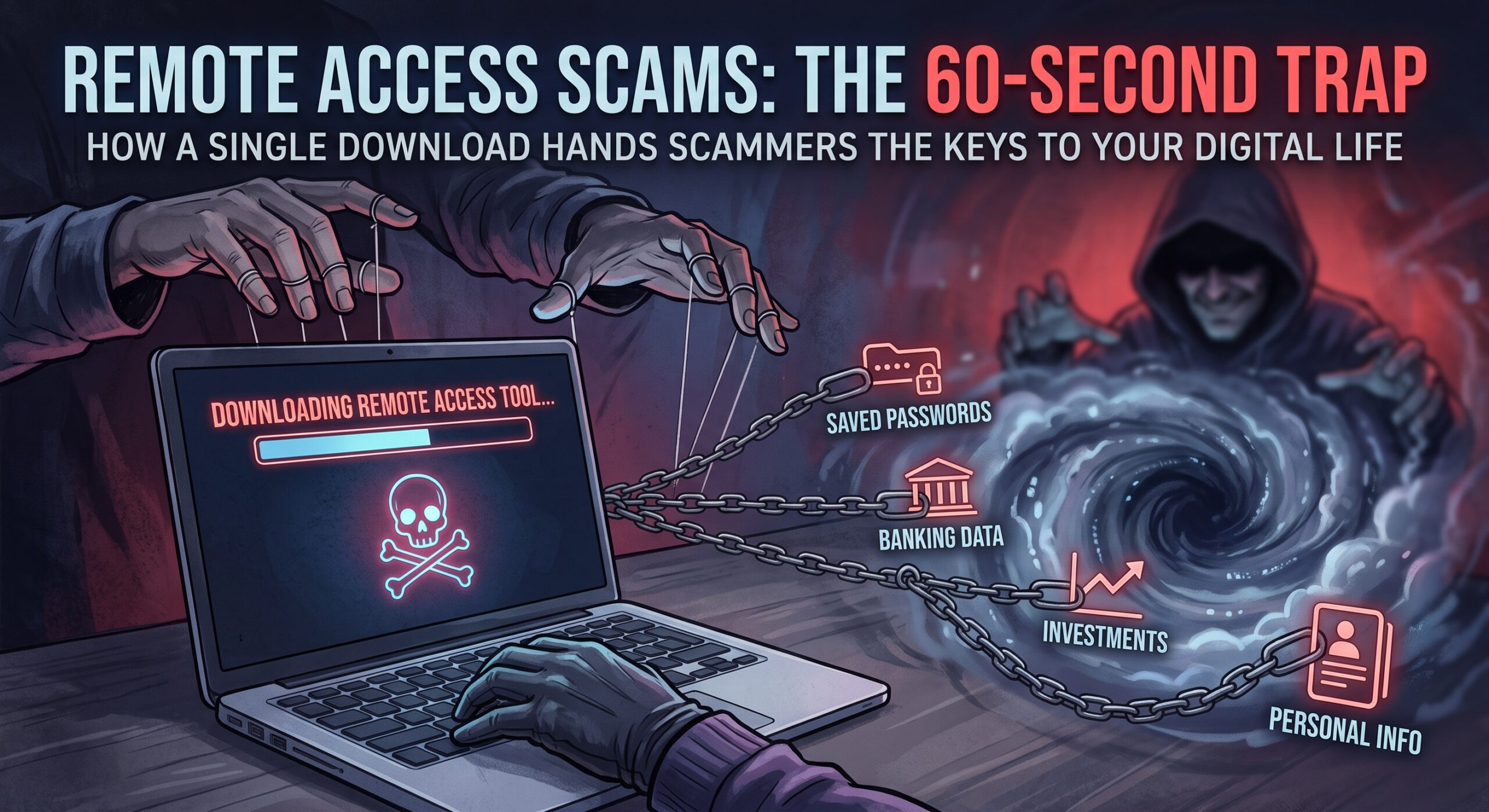
In under a minute, you install a standard, legitimate tool—like AnyDesk, TeamViewer, or Quick Assist—and hand over a access code. The moment you do, it’s game over.
What You Really Lose in 60 Seconds
Giving a scammer remote access isn’t like handing someone the keys to your house; it’s like handing them the keys, the combination to your safe, and a blank checkbook.
Once connected, they gain unfiltered control over your machine. In seconds, they can:
-
Harvest Saved Passwords: Browsers cache your credentials. Scammers extract saved passwords for your email, bank, and social media accounts in seconds.
-
Bypass Two-Factor Authentication: Because they are controlling your computer on your network, 2FA codes sent to your email or browser pop up right on their screen.
-
Drain Accounts Unnoticed: They black out your screen under the guise of “running a system diagnostic.” Behind the black screen, they are transferring funds out of your checking account, siphoning investment portfolios, or buying gift cards and crypto—all using your already logged-in sessions.
-
Install Hidden Backdoors: Even if you hang up and disconnect, they leave malicious software behind so they can log back in whenever they want.
How to Protect Yourself Right Now
Scammers rely on speed, urgency, and fear to bypass your natural skepticism.
-
Never allow remote access to anyone who contacts you out of the blue, period. Legitimate companies will never force you onto a call to install remote software.
-
If a pop-up locks your browser: Do not call the number. Force-close your browser using Task Manager (Ctrl + Shift + Esc) or shut down your computer.
-
If you already gave access: Immediately pull your internet connection (unplug the Ethernet or kill Wi-Fi), turn off the machine, and call your bank from a separate device to lock your accounts.
The Cyber Assist Shield
At Cyber Assist, we don’t just fix your devices—we actively train you to spot these traps before they spring. Our strict security protocols ensure you never fall victim to remote access trickery:
-
Strict Access Policy: We train all our customers to NEVER allow anyone onto their computers or mobile devices unless the session is explicitly requested by you, initiated by us, or directly monitored by our team.
-
Your Custom Safe Word: Every Cyber Assist customer receives a unique, confidential safe word. If someone claims to be calling from our support team, they must provide your exact safe word. If they can’t, you instantly know they are an evil-doer—hang up immediately.
-
Real-Time Device & Identity Guarding: We act as your digital bodyguard, making sure your software is locked down, your network is secure, and your personal data stays off-limits to hackers.
Don’t Wait Until It’s Too Late
When a single click can instantly wipe out a lifetime of savings, having a expert on your side isn’t optional—it’s essential. If you need a trusted partner to keep your devices, data, and identity protected against evolving digital threats, contact Cyber Assist today and claim your safe word before a scammer makes their move.